
Inventory Analysis: smarter reads on your bag
August 7, 2026 · David · 8 min read
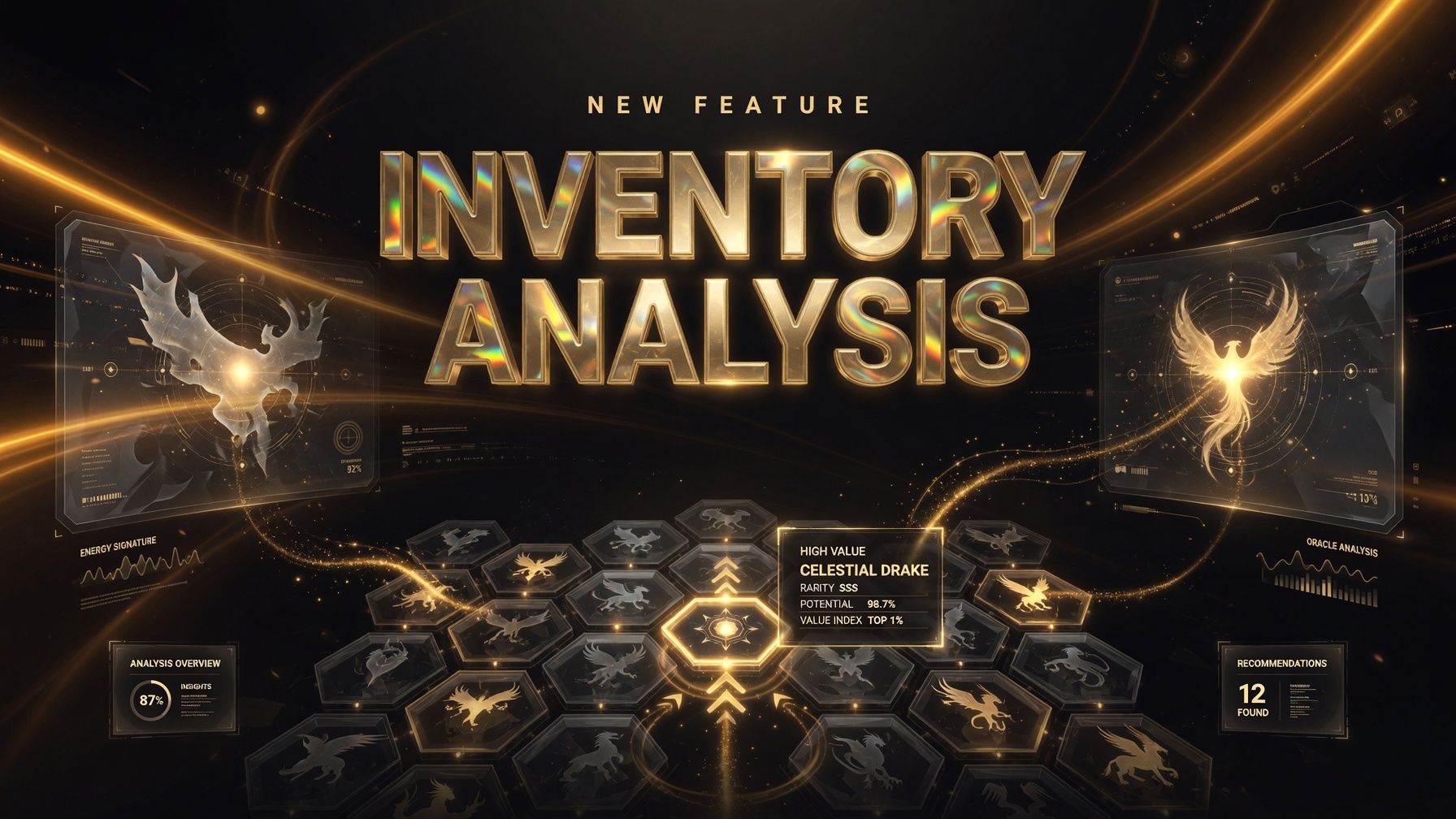
New on PoGoPit: scan your inventory for moveset upgrades, guaranteed lucky trade fodder, silver and gold bottle cap targets, and missing data in one place.
You already log plenty on PoGoPit: IVs, moves, catch dates, which ones are shadow, shiny, whatever else. Until now, that data mostly sat in the bag, waiting for you to notice something on your own. Inventory Analysis is meant to change that. One button on your inventory page reads back everything you've already saved and hands you the parts worth acting on.
This post gets into what it checks, what each tab means, and a few game rules we actually went and confirmed, so none of the advice here is just wishful thinking.
Where to find it
Open Inventory while you're signed in. On desktop the button sits top right of the page; on phone it's just under the title. Look for Inventory Analysis with a small sparkle icon next to it. Click it, give it a second to scan, and a panel opens with tabs across the top. The header and tabs don't move; only the middle section scrolls if a list runs long.
One catch: you need something in the bag first. If your inventory's empty, the button just won't do anything.
What it scans
It scans everything currently sitting in your PoGoPit inventory, using fields you've already filled in yourself:
- Species, form, and whether it's shiny, shadow, purified, lucky, Dynamax, or Gigantamax
- Attack, Defense, and Stamina IVs, plus whatever level you had logged
- Fast move and up to two charged moves, including legacy flags
- Catch date, which the tool uses to figure out lucky eligibility
Leave a field blank and the mon still shows up, usually under Data gaps, so you can see what's worth filling in next.
Worth knowing: this runs entirely in your browser, against the bag you've already loaded. It's not pulling anything live from Niantic. Whatever you typed into PoGoPit is what it works from.
Overview tab
First thing you'll see is basically a scoreboard. It tells you how many mons have a move upgrade worth considering, how many are guaranteed lucky trades (meaning the catch year is old enough and you've still got trade initiations left), how many are just one Silver Bottle Cap away from a perfect 15/15/15, and which ones the community typically points a Gold Bottle Cap at. Below that are plain hundo and shundo counts, and finally the data gaps: mons missing IVs, a catch date, moves, or a level.
Tap any card and it jumps you straight into that section. There's also a short note under the cards explaining the mechanics we checked, so the rules aren't just buried somewhere in the code.
Moves / DPS
This tab checks your logged moves against everything that species can actually learn.
For mons worth a second look, you'll get a DPS estimate for your current move cycle against the best possible cycle on that learnset, notes on each slot (fast, charged, second charged), and a suggested pairing when something better exists, a TM target, say. Shadows get flagged for Frustration if it's still sitting in their moveset, and anything missing a move or carrying a legacy move you might not want to lose also gets called out.
Keep in mind the numbers are a relative gym-and-raid estimate. STAB and the shadow bonus are factored in, along with a neutral defender assumption, but there's no weather and no specific boss typing. Use it to rank your own options against each other, not as a prediction against one particular raid boss. PvP is a different animal entirely, and this tab isn't trying to be a GBL coach.
An empty list here just means one of two things: either your moves already look solid, or you haven't logged them yet. Check Data gaps to find out which.
Lucky trades
Guaranteed lucky trades get explained wrong constantly in Discord threads, so here's the version this tool actually runs on.
Trade a Pokémon that's been sitting in storage since an old enough catch year, and it's forced to come back lucky, at least until your account hits its lifetime cap on trade initiations. Community reports put that ceiling around 45, and Niantic has bumped it upward more than once over the years. Lucky Friends trades and random lucky results don't touch that counter the same way.
The cutoff year keeps moving too. Older posts said 2018, then 2019. Right now, as of how the analysis logic on this site works, catch year 2020 or earlier qualifies. So a 2019 mon still counts; this isn't running on an outdated rule.
This tab lists those mons with their catch year, catch date, and current lucky status. Already-lucky ones show up too, mostly so you don't accidentally trade something special away without realizing it's already done its job. The overview count, though, only tallies the ones that aren't lucky yet.
Tip: put catch dates on your old bag entries. Without one, the tool has no way to age the mon.
Silver bottle caps
Silver Bottle Caps come from Hyper Training and bump one IV up to 15. In the actual game you'll need Good Buddy status or higher to use one (PoGoPit doesn't track buddy level, so that part's on you). Shadows can't be Hyper Trained, full stop.
There's a common myth that only a 14/15/15 spread counts. Not true. Any single shortfall works: 15/15/10, 15/13/15, 12/15/15, all of it. One silver cap fixes any one stat and gets you to hundo.
This tab splits into two groups: mons that are exactly one silver away from a perfect spread (the best use of the item), and mons that would need two or three silvers, where a gold cap is probably the cleaner move if the mon's actually worth spending one on.
Cap sprites are shown on the panel too, so you can match them against whatever's sitting in your GO bag.
Gold bottle caps
Gold caps raise all three IVs to 15 at once, same buddy requirement as silver. The tool scores mons the community usually points gold at: the big raid and Max staples, fusion legendaries, crowned forms, Primals, mega staples, rare mythicals. It also bumps the score up for shiny, Gigantamax, costume, or an already-high level.
If a mon's only one IV off from perfect, the tool tells you to use a silver instead, even if the species itself is a meta pick. Burning a gold cap on a 15/15/14 is one of the more common mistakes people make.
Shadows show up here too, tagged high interest but ineligible, with the reason spelled out, until they're purified or you land a different copy.
One more thing: the S/A/B/C tiers are community guidance, not anything official from Niantic. Take them as a starting point for your own box, not a rule.
Data gaps
This section is the honest one. The analysis is only as sharp as what you've actually logged. Anything missing IVs, a catch date, moves, or level ends up here, each with a one-tap Edit in inventory link so you can fix it and rerun the scan whenever.
You don't need a perfect bag on day one, either. Log your high-value mons first: legendaries, shinies, trade bait, and the more interesting tabs will fill themselves in fast enough.
How this fits the rest of the site
Inventory Analysis sits alongside everything else you already do on PoGoPit. You log mons on Inventory, whether that's quick add, a CSV import, or appraisal screenshots. You list keepers and spares on the trade feed. You chase the living dex, backgrounds, and costumes over in Collections. And the power-up math lives in the CP / IV tools and the Trade Calculator.
None of this is meant to be another spreadsheet. It's closer to: you already typed this stuff in once, so here's what it's actually good for.
A few honest limits
- There's no live link to your Niantic account. Your PoGoPit bag is the source of truth, for better or worse.
- DPS numbers are comparative, not tied to specific weather or raid bosses.
- Buddy level for Hyper Training isn't tracked here. That part's on you in-game.
- The guaranteed lucky limit is per account, and the site has no way to know how many initiations you have left. It just flags who's eligible.
- Gold tiers will drift as the meta drifts. We'll try to keep the list honest as the game changes.
Try it
- Sign in and open Inventory
- Add or update a few mons: IVs, moves, catch dates if you've got them
- Hit Inventory Analysis
- Go through the tabs, fix whatever's incomplete, and run it again next time you clean out the bag
If something looks off (a move ranked backwards, a species missing from the gold list, a catch year that should qualify but doesn't), let me know on Discord or X. Real bag examples beat theory every time.
See you on the feed, and good luck not dumping a 2020 lucky fodder on a Bidoof.